Using the Prusa MK4
General rules and preparation are covered in Getting Started. This page contains Prusa-specific operation. Network addresses and keys are kept on Connect Your Computer to the Printers.
Slicing
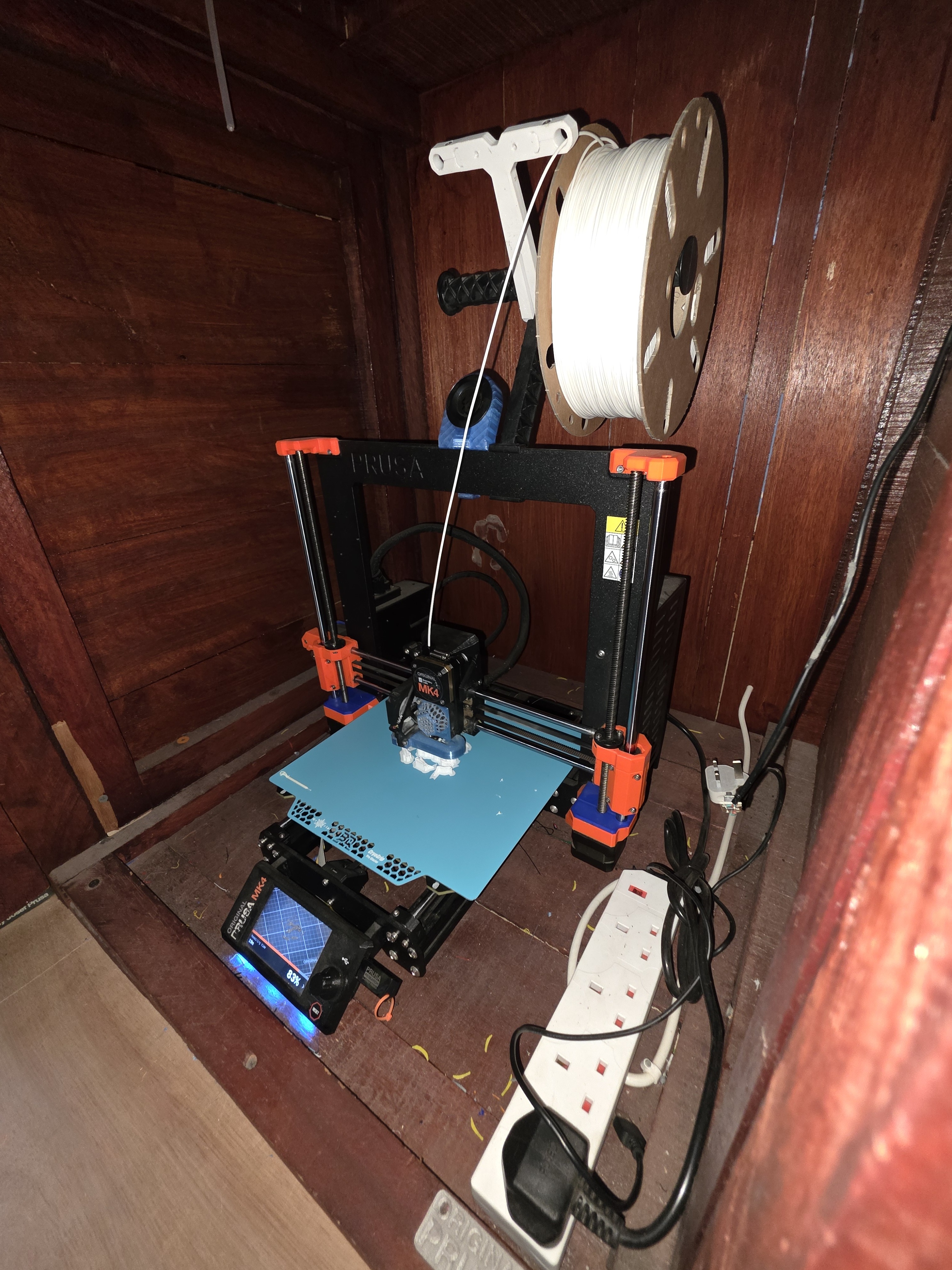
Use PrusaSlicer and the approved HacMan Prusa MK4, 0.4 mm nozzle profile. Follow the PrusaSlicer beginner guide.
Loading filament
- Put the spool on the holder so it can turn freely.
- Cut a damaged or bent filament end cleanly.
- Select the printer's load-filament function.
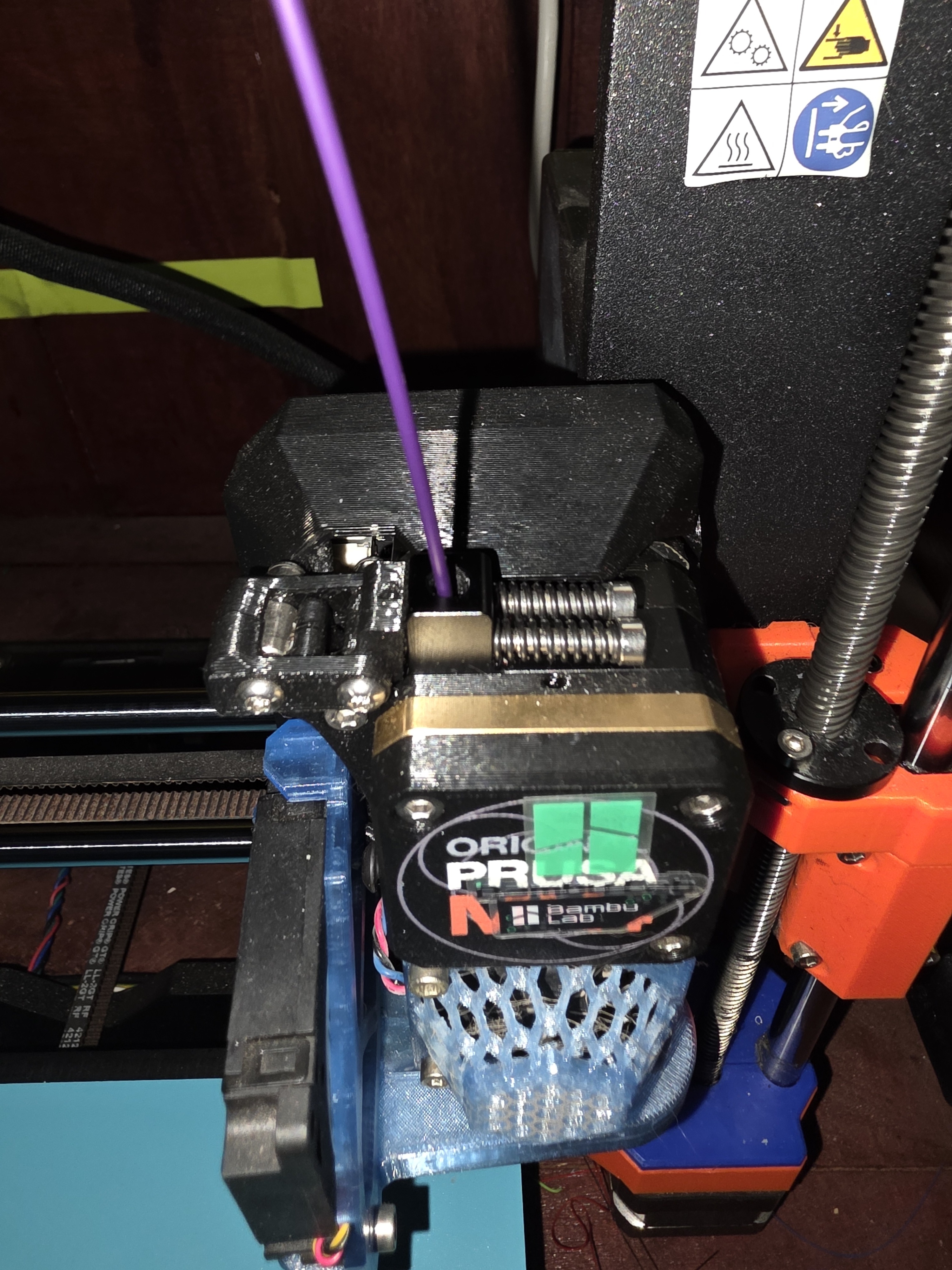
- Insert the filament when prompted and feed gently until the extruder takes it.
- Confirm that clean filament emerges from the nozzle.
Use the unload-filament function before removing a spool. Never pull filament out by force. Secure the free end immediately.
Starting a print
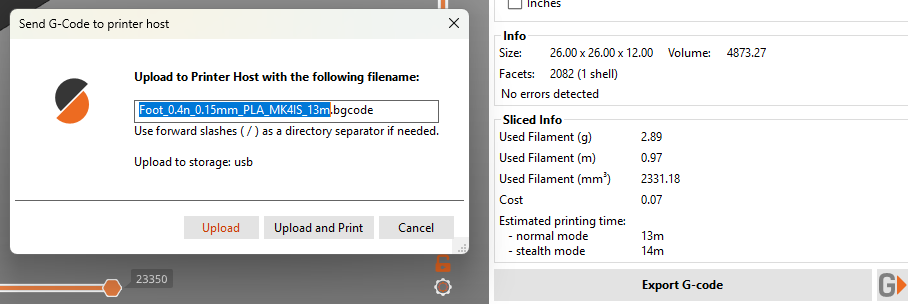
On a HacMan PC, select the intended physical printer and use the bottom-right G button after slicing and checking Preview. Personal computers can be configured using the connection instructions. USB export remains an acceptable fallback.
Heating, homing, bed probing and purging are normal. Keep clear and watch the complete first layer.
Faults
Do not adjust belts, move axes by force, replace nozzles, clear mechanical jams or alter hardware. Stop and report the problem.